
How to Use the JNR Radiance 31000: A Beginner’s Guide to the Smart Screen and Features

Congratulations on choosing the JNR Radiance 31000, a device designed for superior style and performance. You're holding a powerful, intuitive vape, and our mission is to make sure you get the most out of every puff. While other brands focus on specs, we're here to provide the definitive, easy-to-understand beginner's guide that answers the real questions you have. This guide covers everything from your very first puff to understanding the smart screen, proper charging, and simple troubleshooting. Forget confusion; this is the only resource you'll need to master your JNR Radiance 31000 and enjoy a premium vaping experience from start to finish.
Getting Started: Your First Steps with the JNR Radiance 31000
Unboxing your new device is just the beginning. This section covers the core functionality and explains exactly how to use the JNR Radiance 31000 right out of the box.
Getting Started & Core Functionality
Unlike complex mods, the JNR Radiance is designed for simplicity. Here’s how to turn on your JNR Radiance 31000 and get started:
1. Remove from Packaging: Take your device out of its sealed packaging and remove any silicone plugs from the mouthpiece and airflow holes.
2. Automatic Activation: The JNR Radiance 31000 is draw-activated. This means there are no buttons to press. Simply inhale from the mouthpiece, and the device will automatically power on and produce vapor.
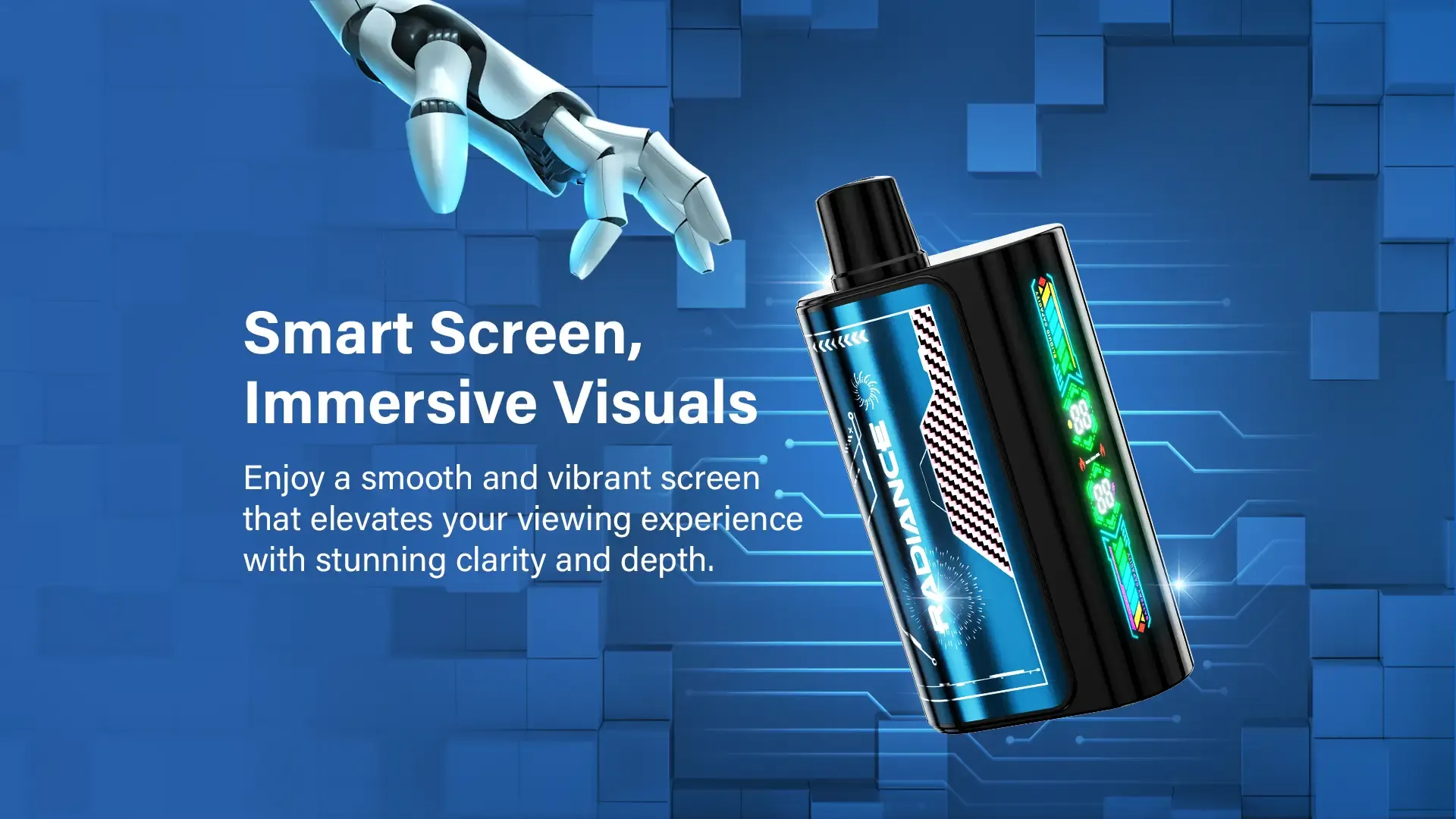
3. Check the Smart Screen: Upon your first inhale, the smart screen will light up, showing you the current battery and e-liquid levels. We'll dive deeper into that below.
JNR Radiance Features Explained
The simplicity of the device is powered by sophisticated technology. The key JNR Radiance features explained include its high-capacity battery, massive 31,000 puff count, and most importantly, the intuitive smart screen that provides real-time data on your device's status.
Mastering the JNR Radiance Smart Screen: A Complete Guide
The digital display is your command center. This JNR Radiance smart screen guide will help you understand what it's telling you at a glance.
Decoding the Display: E-Liquid and Battery Indicators
The screen shows two primary indicators that provide real-time status updates for your device.
Vape with Digital Screen Benefits
Why choose a vape with digital screen benefits? Control and confidence. You can manage your usage, prevent harsh 'dry hits' from an empty tank, and ensure your device is always charged and ready when you are. It puts all the essential information right in front of you.
Charging and Maintenance for Optimal Performance
Proper care ensures you get the best flavor and vapor production throughout the device's lifespan. Follow these charging instructions to keep your Radiance performing at its peak.
Step-by-Step JNR Radiance Charging Instructions
1. Locate the Port: The USB-C charging port is located at the bottom of the device.
2. Connect the Cable: Use a standard USB-C cable to connect your JNR Radiance to a power source (e.g., a laptop, wall adapter).
3. Monitor the Screen: The smart screen will display the charging progress.
4. Unplug When Full: According to KMD Power, overcharging lithium-ion batteries can accelerate degradation, leading to capacity loss and reduced performance.
For general safety, it is also recommended to never leave a charging device unattended and to avoid storing it in extreme temperatures.
The Power of the JNR Radiance Dual Mesh Coil
Elmor highlights that dual mesh coils enhance flavor intensity and consistency due to increased heating surface area. Proper charging ensures the coil receives stable power, allowing it to heat the e-liquid evenly for a perfect vaping experience every time.
JNR Radiance Troubleshooting for Common Issues
Even the best devices can have hiccups. This JNR Radiance troubleshooting guide will help you solve the most common problems quickly.
What to Do When Your JNR Radiance is Not Working
If your JNR Radiance is not working or not hitting, try these steps:
1. Check the Battery: The most common issue is a dead battery. Connect it to a charger for at least 10-15 minutes and try again.
2. Ensure Airflow is Clear: Make sure the airflow holes at the bottom of the device aren't blocked by your hand or debris.
3. It May Be Empty: If the smart screen shows a very low e-liquid level, the device may be finished, even if the battery is charged. A disposable vape not pulling is often an empty vape.
Understanding the JNR Radiance Blinking Light Meanings
A JNR Radiance blinking light is a key indicator that communicates the device's status. Here’s what the different signals mean:
Solving Charging Problems: How to Charge Your JNR Radiance Correctly
Freesmo advises against using fast chargers not explicitly recommended by the manufacturer, as they can damage a vape's charging circuits and internal battery.
Managing Your Device for Maximum Longevity
Understanding your device's limits and indicators will help you get the most value out of it.
How Long Does 31000 Puffs Last in Reality?
The question of how long does 31000 puffs last depends entirely on your vaping habits. For a heavy user, it might last several weeks. For a casual user, it could last for months. The key is to monitor the e-liquid level on your smart screen—that's the most accurate gauge of its remaining lifespan.
Monitoring JNR Radiance Battery Life and E-Liquid Levels
Make it a habit to check your screen before you head out. The JNR Radiance battery life indicator will tell you if you need a quick charge. More importantly, keeping an eye on the JNR Radiance e-liquid level will tell you when it's time to start thinking about getting a new one, so you're never caught off guard. Knowing how to know when a vape is empty has never been easier thanks to the smart screen.
Now that you're an expert on using and maintaining your device, you can explore the full range of flavors and options available for the JNR Radiance 31000.
About PUFFJNR
Since our start in 2015, PUFFJNR has been dedicated to crafting top-quality disposable vapes that offer style and performance. Our commitment to excellence has allowed us to grow from a modest beginning into a nationally recognized brand, focused on providing premium, accessible, and affordable vaping products.
Important Safety Information
Vaping products contain nicotine, which is an addictive chemical. These products are intended for use by adults of legal smoking age and should not be used by children, women who are pregnant or breastfeeding, or persons with or at risk of heart disease, high blood pressure, diabetes, or taking medicine for depression or asthma. Please keep out of reach of children and pets.
Frequently Asked Questions
How do I turn on the JNR Radiance 31000?
The JNR Radiance 31000 is draw-activated, meaning it has no buttons. Simply remove it from the packaging, take off any protective silicone caps, and inhale from the mouthpiece. The device will automatically turn on and produce vapor.
What does the blinking light on my JNR Radiance mean?
Typically, a blinking light indicates a low battery. If the light blinks 10 times when you try to inhale, it's time to recharge the device using a USB-C cable. If it blinks while connected to a charger, it is indicating that it is charging normally.
How do I know when my JNR Radiance 31000 is empty?
The easiest way is to check the smart screen. It has an e-liquid level indicator, usually represented by a droplet icon with a percentage. When this percentage is at or near 0%, the device is empty, even if the battery is still charged.
Is the JNR Radiance 31000 rechargeable?
Yes, it is. The device comes with a built-in rechargeable battery and a USB-C port at the bottom. You can recharge it multiple times until the e-liquid is completely used up.

