
How to Use the JNR Tank Pro 33,000: A First-Time User’s Guide

Welcome to the world of high-performance vaping! Unboxing your new JNR Tank Pro 33,000 is an exciting moment, but it can also come with questions. Unlike traditional vapes or simpler disposables, a rechargeable disposable vape offers the best of both worlds: massive puff counts and the convenience of a rechargeable battery. However, this hybrid nature often leads to confusion. What do the indicator lights mean? How do you know if the battery is dead or the e-liquid is empty? Can you refill it? This guide is your definitive resource, created by the experts at PUFFJNR to eliminate guesswork. We will walk you through everything from first-time activation and safe charging to troubleshooting and responsible disposal, ensuring you have a perfect experience from the first puff to the last.
Initial Use & Setup: Your First Steps with the JNR Tank Pro
Getting started with a new device can be exciting. This section covers the essential first steps, from unboxing to your first puff, ensuring a smooth and correct initial setup.
First-Time Activation: Bringing Your Vape to Life
For anyone experiencing their first time using a rechargeable vape, the process is designed to be simple. Unlike complex mods, the JNR Tank Pro is ready to go almost immediately. To activate your disposable vape, simply remove it from its packaging. Most devices, including the JNR Tank Pro, are draw-activated, meaning you only need to inhale from the mouthpiece to turn it on and produce vapor. There's no complex sequence to learn; it's designed for immediate use.
Understanding the JNR Tank Pro's Button Functions
While many disposables are buttonless, some models include a button for added safety and functionality. Understanding the disposable vape button functions is key to a proper vape setup. Typically, a single button may serve to turn the device on or off (usually with five quick clicks) or to preheat the coil if it's a feature. However, the JNR Tank Pro prioritizes simplicity with its draw-activation, eliminating the need for button-related confusion.
A Quick Note on "Setup" vs. "Set Up"
You'll often see both "setup" and "set up" used when discussing vape preparation. While they seem similar, they have different meanings. "Setup" (one word) is a noun, referring to the device itself or the way it's configured (e.g., "This vape has a simple setup."). "Set up" (two words) is a verb, meaning the action of preparing something (e.g., "Let's set up your new JNR Tank Pro 33,000."). Getting the terminology right helps you follow instructions accurately.
Mastering Charging & Battery Management
A key feature of the JNR Tank Pro is its rechargeable battery, which ensures you can use every last drop of e-liquid. Proper battery management is crucial for device longevity and safety.
How to Charge Your JNR Tank Pro Correctly
Learning how to charge your JNR Tank Pro is straightforward. Use the provided USB-C cable to connect the device to a standard USB port (like one on a laptop or a 1A wall adapter). The typical rechargeable disposable vape charging time is between 30 to 60 minutes. ZoneVapor states that using high-powered chargers not intended for your specific device can damage vape batteries, causing overheating and degradation. The goal of vape charging is to do it safely and effectively.
Decoding the Vape Light Indicator Meanings
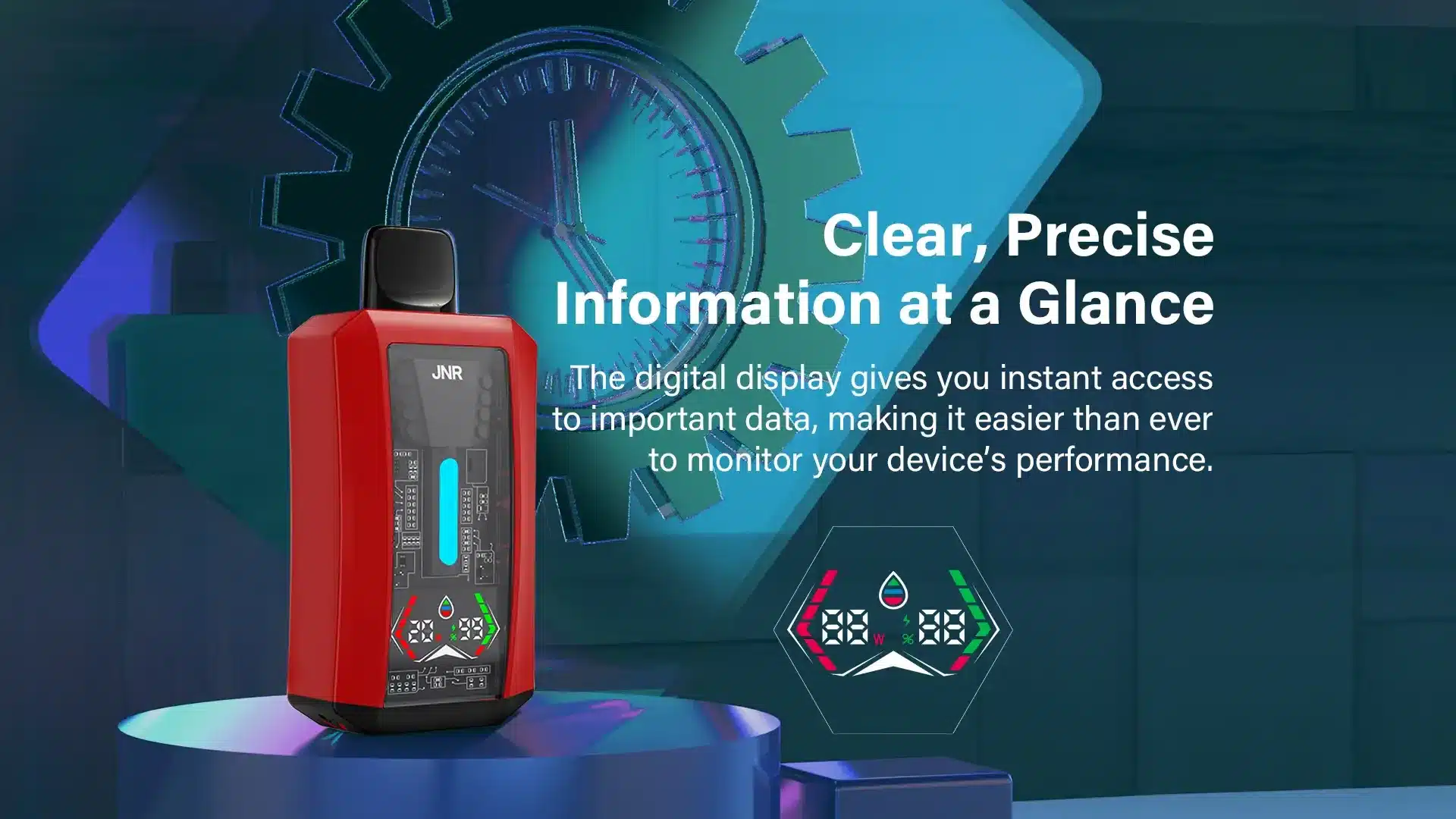
The vape light indicator meaning is the most common question new users have. These lights are your device's way of communicating its status. Understanding them helps you troubleshoot issues like why your rechargeable vape is not charging.
| Indicator Light Status | Meaning |
|---|---|
| Solid Light (While Inhaling) | The device is working correctly. |
| Blinking Light | Usually signals a low battery. If it blinks after charging, it could indicate a connection issue. |
| Light On (While Charging) | The device is actively charging. |
| Light Off (After Charging) | The battery is fully charged. |
Essential Safe Charging Practices for Your Disposable Vape
Adhering to safe charging practices for your disposable vape is non-negotiable.
* X-BAR advises against charging vapes overnight due to the risk of overcharging, overheating, and potential fire hazards, emphasizing that devices should not be left unattended while charging.
* Use a dedicated charging station if possible, away from flammable materials.
* Avoid using a car battery charger, as their power output can be unstable.
* Always use the correct battery charger and cable as recommended.

dual power function
E-liquid Depletion: Knowing When It's Time for a New Vape
The "rechargeable" aspect refers to the battery, not the e-liquid. Once the e-liquid is gone, the device is finished. Here’s how to tell.
How to Know When Your Disposable Vape is Truly Empty
The most obvious sign is a significant drop in vapor production. If you're getting little to no vapor, the tank is likely empty. The second key indicator is a burnt taste from your rechargeable vape. This happens when the wick is no longer saturated with e-liquid and the coil is burning the dry material instead. This taste is unpleasant and a clear signal to stop using the device.
The Big Question: Can You Refill a Rechargeable Disposable Vape?
The answer is a definitive no. You absolutely cannot refill a rechargeable disposable vape. These devices are designed as sealed, single-use systems. Attempting to open or refill one can lead to leaks, damage the device, and pose a significant safety risk. The "disposable" part of the name refers to the e-liquid tank.
Responsible Vape Disposal: Protecting Our Planet
It's crucial to dispose of your disposable vape responsibly. These devices contain lithium-ion batteries and are considered e-waste (electronic waste). The U.S. Environmental Protection Agency (EPA) states that vapes, especially those containing lithium-ion batteries, must not be placed in household trash due to fire hazards and toxic chemicals, recommending disposal at designated e-waste or household hazardous waste collection sites. Proper vape disposal protects the environment from harmful chemicals.
JNR Tank Pro Troubleshooting & Maintenance Guide
Even the most reliable devices can have occasional hiccups. This section provides simple fixes for common issues.
Common JNR Tank Pro Troubleshooting Steps
If your device isn't working, start with this basic JNR Tank Pro troubleshooting checklist:
1. Check the Battery: Is the light blinking? If so, it needs a charge.
2. Ensure it's Not Empty: Are you getting a burnt taste or no vapor? The e-liquid is likely depleted.
3. Check the Airflow: Make sure the airflow holes at the base of the device aren't blocked by your fingers.
A quick vape fix often involves one of these simple solutions.
How to Fix a Blinking Disposable Vape Light
A blinking light is the most common issue. The table below outlines the likely causes and how to fix a blinking disposable vape:
| Potential Cause | Recommended Solution |
|---|---|
| Low Battery | This is the most frequent cause. Charge the device for at least 30 minutes. |
| Chain Vaping | Taking too many puffs in a row can trigger a protection measure. Let the device rest for a minute. |
| Faulty Connection | If it blinks immediately after being charged, there might be an internal issue. |
Simple Maintenance: How to Clean the Charging Port
Proper maintenance can extend the life and performance of your vape. The charging port can sometimes collect dust or debris, preventing a good connection. To clean the disposable vape charging port, use a dry cotton swab or a puff of compressed air to gently clear any obstructions. This simple act of preventive maintenance, much like basic home maintenance, can prevent charging problems down the line.
For comprehensive safety guidelines and troubleshooting, please consult the official JNR Tank Pro user manual. For specific technical issues not covered in this guide, please contact customer support for assistance.
Frequently Asked Questions
What do the different lights on my JNR Tank Pro mean?
A blinking light typically means the battery is low and needs to be recharged. If it blinks right after charging, it could signal a connection issue or that you've been puffing too frequently (a short-circuit protection). A solid light during use means it's working correctly.
Can I refill my JNR Tank Pro disposable vape?
No. The JNR Tank Pro is a disposable vape, meaning the e-liquid tank is sealed and not designed to be refilled. Attempting to do so can damage the device and is not safe. Once the e-liquid is gone, the device should be disposed of responsibly.
Why does my rechargeable vape taste burnt?
A burnt taste is the most common sign that your rechargeable vape has run out of e-liquid. The taste occurs when the coil heats up but there's no liquid to vaporize, causing it to burn the dry wick material. Stop using the device immediately when you notice this taste.
How long does it take to charge a JNR Tank Pro?
The JNR Tank Pro typically takes between 30 to 60 minutes to achieve a full charge. It's recommended to use a standard 1A USB charging port and to unplug the device as soon as it is fully charged to preserve battery health.

